
TeamPassword is the best password manager with an activity log for small and mid-size teams, because the log, its filters, CSV export and admin email notifications are all on the $2.41 per user per month Standard plan. If you need to stream events into a SIEM or pull them through an API, Bitwarden Teams at $4.00 is the stronger pick. 1Password's audit log is Business only at $8.99, and Keeper's full audit trail needs its ARAM add-on on every tier.
Key Takeaways
- TeamPassword is a SOC 2-certified team password manager so simple that non-technical teammates adopt it, with group-based sharing since 2012. Its activity log is included on Standard and covers record views, edits, deletions, attachments, invitations, logins and security-setting changes, with filters and CSV export.
- Bitwarden Teams has the most complete log for the price: more than 60 event types, a public API and SIEM integrations at $4.00 per user per month.
- Several vendors gate the log or its useful parts: 1Password's audit log is Business only, Proton Pass Essentials has no usage logs, and Keeper's full audit trail is the paid ARAM add-on.
- An activity log does not prevent misuse. It tells you who touched a credential, so you know what to rotate and who to ask.
Activity Logs Compared (November 2026)
| Product | Supports activity logs? | Plan required | Team price (per user/month, annual) | Export and integrations | Notes/caveats |
|---|---|---|---|---|---|
| TeamPassword | Yes | Standard | $2.41 Standard, $5.25 Enterprise | Filters, CSV export, admin email notifications | No SIEM connector or log API. Retention period not published |
| Bitwarden | Yes, 60+ event types | Teams and Enterprise | $4.00 Teams | CSV, public API, SIEM (Splunk, Sentinel, Elastic and others) | Retained indefinitely; view up to 367 days at a time |
| NordPass | Yes | All three business tiers | $1.99 Teams (10-user pack), $3.99 Business, $5.99 Enterprise | API, Splunk and Sentinel on Enterprise only | API returns at most 10,000 records over a 90-day window. Admins see generic details only |
| 1Password | Yes | Business only | $8.99 Business | CSV; Events API needs Business | 365 days. Teams can trial the log |
| LastPass | Yes | Teams and Business | $4.25 Teams, $7.00 Business | CSV; SIEM and API reporting on Business | Teams gets "Basic" reporting. Events up to two years ago |
| Proton Pass | Yes | Professional only | $4.99 Professional | CSV; SIEM listed for Professional | Essentials ($1.99) must upgrade. 3-user minimum |
| Keeper | Basic only without add-on | Full audit trail: ARAM add-on on every tier | $4.00 Business plus ARAM; Enterprise by quote | ARAM: JSON, CSV, Syslog; SIEM requires ARAM | Without ARAM: last 1,000 events, 16 event types. ARAM price not published |
How We Evaluated These, and Our Disclosure
Disclosure: this article is published by TeamPassword, and TeamPassword is ranked first. Weigh that accordingly. Bitwarden's log is more capable than ours for teams that run a SIEM, and we say so below.
Criteria, in priority order:
- Is the log on the plan a small team would buy? A log locked behind the top tier or an add-on does not help a 10-person company.
- Coverage. Does it record views and security-setting changes, not just edits?
- Usability. Filters, export, and alerts that a non-specialist admin will actually read.
- Integrations. SIEM connectors and APIs, which matter to larger or regulated teams.
- Transparency. Whether the vendor publishes retention and event limits.
Facts verified November 2026 from each vendor's own pricing and help pages.
Why Activity Logs Matter for Teams
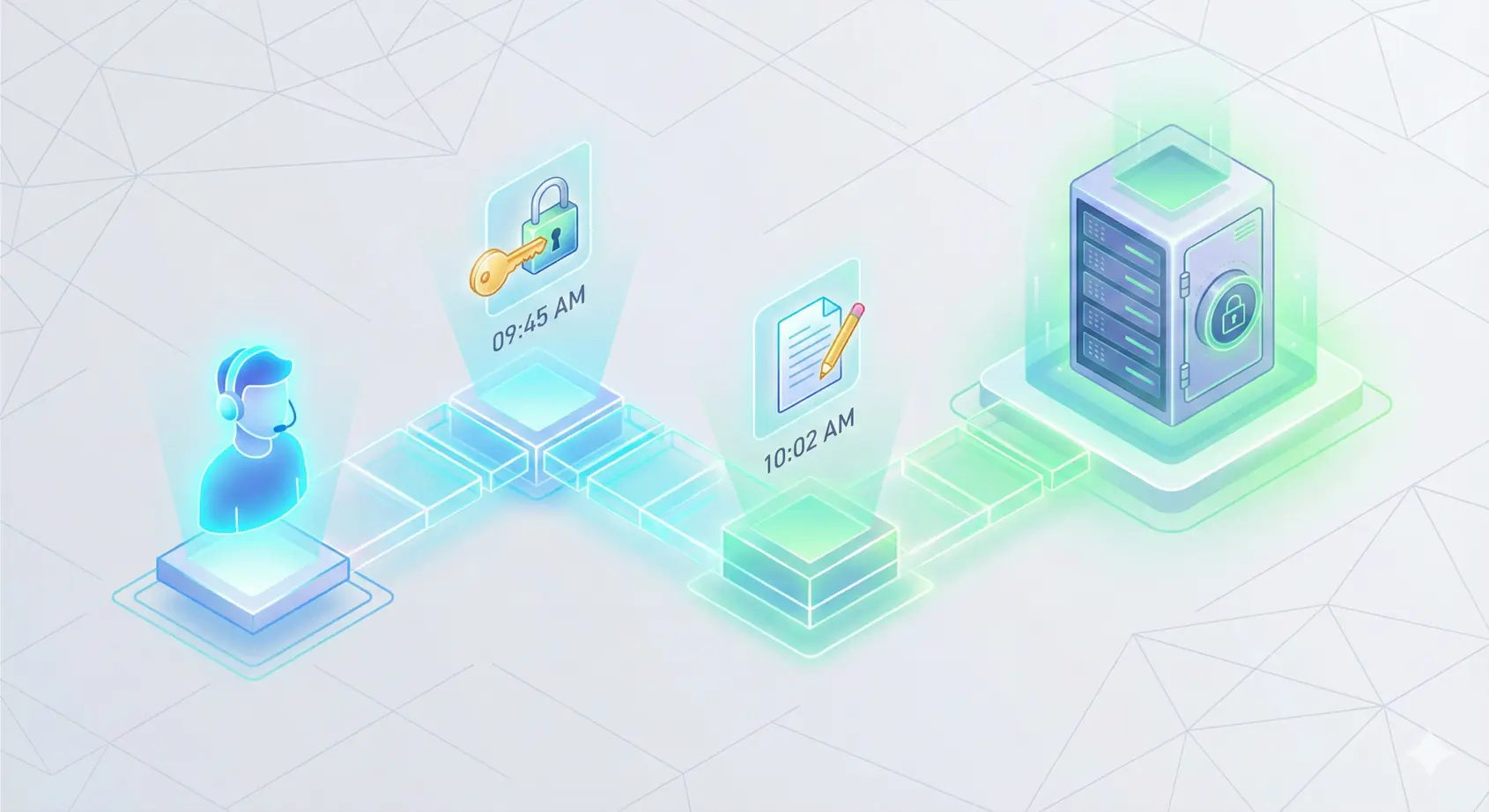
A contractor finishes a three-month project and leaves. Two weeks later a client's Shopify admin shows a login from an unfamiliar location. Without a log, you are guessing who had that password and whether anyone opened it recently. With one, you filter by the record, see every view since the contractor joined, rotate exactly what they touched, and send the client a straight answer.
Logs also catch quiet configuration drift. If someone turns off required 2FA, or switches team-wide sharing back on, you want to know the same day, not at the next audit. And when a cyber insurance questionnaire or a client security review asks how you monitor access to shared credentials, a CSV export is the evidence.
None of this stops someone who already has access from misusing it. What a log does is shorten the time between a problem and your response. For more on what to look for, see our guide to activity logs for security and compliance.
The Best Password Managers with Activity Logs, Ranked
1. TeamPassword
Best for: small and mid-size teams that want a readable audit trail on the entry plan, from $2.41 per user per month (Standard, billed annually).
TeamPassword logs activity on the Standard plan, which is $28.92 per user per year with a 3-user minimum. The log records:
- Records created, viewed, updated, deleted and imported
- Attachments added, removed and downloaded
- Invitations sent, accepted and resent
- Login challenges completed and failed
- One-time share links created, and organization exports
- Security-setting changes: 2FA required or removed, Google Sign-In required or removed, team-wide sharing turned on or off, and session timeout changes
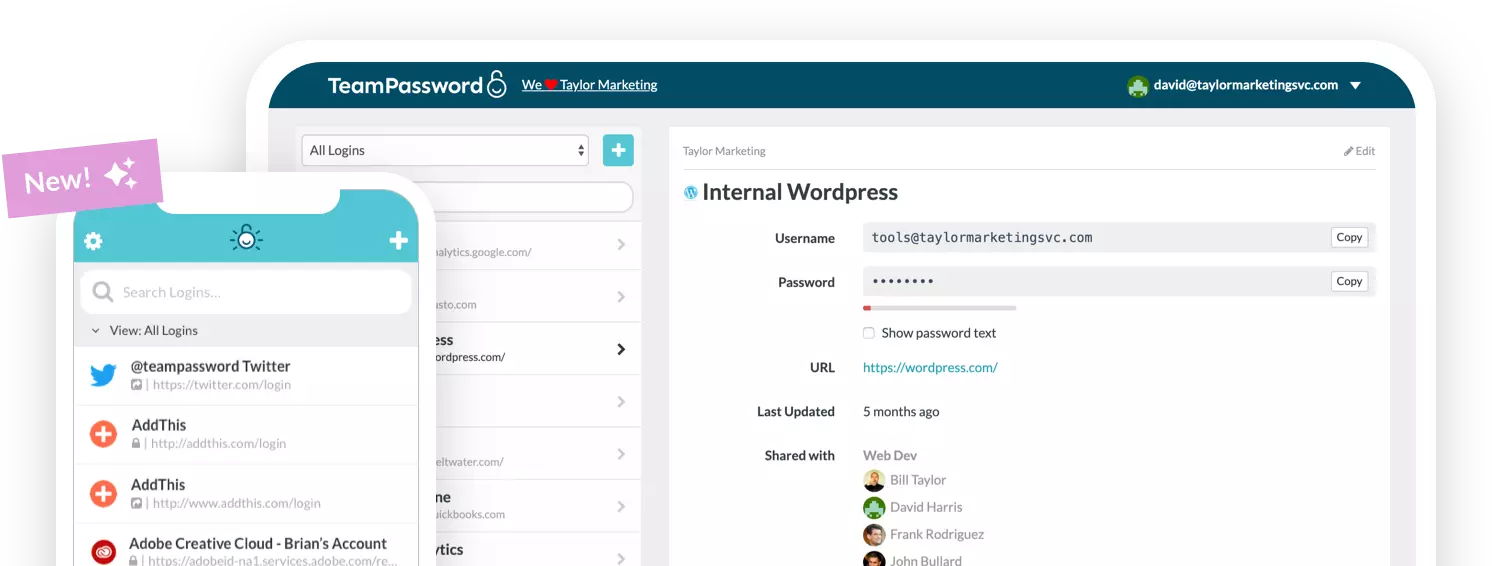
You can filter the log and export it to CSV, and admins can receive email notifications. That covers the questions small teams actually ask: who opened this login, who changed that setting, and when. Our walkthrough on how to audit your team's passwords shows the log in a quarterly review.
What you give up: there is no SIEM connector and no API for the log, and we do not publish a retention period. If your security team needs events in Splunk or Sentinel, Bitwarden Teams or NordPass Enterprise will serve you better.
TeamPassword Activity Log at a Glance
- Activity log of record views, edits, deletions, attachments, invitations, logins and security-setting changes, with filters and CSV export
- Admin email notifications
- Included on Standard, not an add-on
- No SIEM or log API
See all features and pricing.
2. Bitwarden
Best for: teams that send security events to a SIEM, at $4.00 per user per month on Teams.
Bitwarden event logs are included on Teams and Enterprise. Its help center lists more than 60 event types (the pricing page says over 50). Events are retained indefinitely and can be viewed up to 367 days at a time. You can export CSV, query the public API's events endpoint, or connect a SIEM: Splunk, Microsoft Sentinel, Elastic, Panther, Rapid7, Sumo Logic or a generic HEC collector.
For a team with a security operations function, this is the strongest log in the comparison at a mid-range price. It is more than a small team without a SIEM will use.
Bitwarden Activity Log at a Glance
- 60+ event types on Teams and Enterprise
- Retained indefinitely; 367-day viewing window
- CSV, public API and native SIEM integrations
- $4.00 per user per month on Teams
3. NordPass
Best for: teams that want a log on every tier and may move to Enterprise later, from $3.99 per user per month on Business (1-year plan).
NordPass includes the Activity Log on all three business tiers. The Activity Log API and the Splunk and Sentinel integrations are Enterprise only, and the API returns at most the 10,000 most recent records with a 90-day maximum query window. Owners see item names in the log; Admins see generic details only, which matters if your day-to-day admin is not the account owner.
Retention is not published. The Teams plan ($1.99) is sold as a 10-user pack, and Enterprise is $5.99.
NordPass Activity Log at a Glance
- Activity log on Teams, Business and Enterprise
- API and SIEM on Enterprise only
- API limited to 10,000 records and 90 days per query
- Admins see less detail than Owners
4. 1Password
Best for: organizations already on 1Password Business, at $8.99 per user per month.
1Password says its audit log "is only available in 1Password Business." Events are kept for 365 days and can be downloaded as CSV, and the Events API for reporting tools also needs a Business account. Teams and Teams Starter customers can start a free trial of the log, but keeping it means upgrading.
1Password Activity Log at a Glance
- Business only
- 365-day retention, CSV download
- Events API on Business
- Trial available to Teams customers
5. LastPass
Best for: existing LastPass Business customers, at $7.00 per user per month.
LastPass has user and admin activity reports on Teams ($4.25) and Business ($7.00), but its pricing table labels Teams reporting "Basic" and Business "Advanced". SIEM integrations with Splunk and Sentinel are Business and Business Max only, as is API event reporting. Reports cover events up to two years ago and export to CSV.
LastPass Activity Log at a Glance
- Basic reporting on Teams, advanced on Business
- CSV export; events up to two years back
- SIEM and API on Business tiers only
6. Proton Pass
Best for: privacy-focused teams willing to pay for Professional, at $4.99 per user per month.
Proton Pass usage logs record item creation, reads, use, updates and deletions, plus sharing and invites, and export to CSV. They are a Pass Professional feature: Essentials at $1.99 must upgrade to get them. Proton lists a SIEM integration for Professional. Both business plans have a 3-user minimum, and retention is not published.
Proton Pass Activity Log at a Glance
- Usage logs on Professional only
- CSV export; SIEM listed for Professional
- Essentials has no usage logs
7. Keeper
Best for: compliance teams that will budget for the ARAM add-on on top of Business at $4.00 per user per month.
Keeper includes a basic "Recent Activity" view (the last 1,000 events across 16 event types) and "All Security Events" with every Business and Enterprise subscription. The full audit trail, with more than 200 event types and JSON, CSV or Syslog export, is the Advanced Reporting and Alerts Module (ARAM), an add-on on every tier including Enterprise. SIEM integration also requires ARAM, and Keeper does not publish ARAM's price on its pricing pages. Compliance Reports is a separate add-on.
Keeper Activity Log at a Glance
- Basic activity view included: last 1,000 events, 16 event types
- Full 200+ event audit trail requires ARAM on every tier
- SIEM requires ARAM
- ARAM price not published
How to Choose
- Small or mid-size team that wants a log without upgrading: TeamPassword Standard at $2.41.
- You run a SIEM or need log data through an API: Bitwarden Teams at $4.00.
- You are already on 1Password Business: its 365-day audit log is included.
- You need the deepest event coverage and have compliance budget: Keeper with ARAM.
- You want Proton's privacy model: budget for Professional, not Essentials.
Frequently Asked Questions
Which password manager has the best activity log in 2027?
For small and mid-size teams, TeamPassword, because its activity log with filters, CSV export and admin email notifications is on the $2.41 Standard plan. For teams that need SIEM integration or an events API, Bitwarden Teams at $4.00 is stronger.
Which password manager plans include an audit log?
TeamPassword includes it on Standard. Bitwarden includes event logs on Teams and Enterprise, NordPass on all business tiers, and LastPass on Teams and Business. 1Password's audit log is Business only, Proton Pass needs Professional, and Keeper's full audit trail needs the ARAM add-on.
What does the TeamPassword activity log record?
It records records created, viewed, updated, deleted and imported, attachment activity, invitations, login challenges, one-time share links, organization exports, and security-setting changes such as 2FA, Google Sign-In, team-wide sharing and session timeout. You can filter it and export it to CSV.
Can I export a password manager activity log to CSV?
Yes, with most of them. TeamPassword, Bitwarden, 1Password Business, LastPass and Proton Pass Professional all offer CSV export. Keeper's full export comes with the ARAM add-on.
Does an activity log stop someone from misusing a shared password?
No. A log records what happened; it does not block anyone who already has access. Its value is speed: you can see who viewed a credential, rotate what they touched, and confirm that security settings have not been changed.
Does TeamPassword integrate with a SIEM?
No. TeamPassword offers filters, CSV export and admin email notifications, but no SIEM connector or log API. If you need that, Bitwarden Teams offers SIEM integrations and an events API, 1Password Business has an Events API, and NordPass Enterprise has an API plus Splunk and Sentinel.
Try TeamPassword
If you want an audit trail you will actually read, included on the entry plan, try TeamPassword.
- Activity log of record views, edits, deletions, attachments, invitations, logins and security-setting changes, with filters and CSV export
- Admin email notifications
- Unlimited shared groups with no record caps
- Require 2FA for the whole team
- Standard $2.41 per user per month billed annually ($2.88 monthly); Enterprise $5.25 ($6.30 monthly); 3-user minimum
Try TeamPassword free for 14 days
More in This Series
- Best Password Managers with a Built-in Authenticator
- Best Password Managers with Access Control
- Best Password Managers for Sharing Passkeys
- Best Password Managers with Admin Security Controls
- Best Password Managers with Autofill for Teams
- Best Password Managers with a Passphrase Generator
- Best Password Managers with One-Time Secret Links
- Best Password Managers with Group-Based Sharing
- Cheapest Business Password Managers
- Best Password Managers for Teams