
Search "best password manager for hospitals" and you'll get a dozen articles ranking the same handful of vaults on the same checklist. They're not wrong, but they skip the harder question: what are you actually trying to lock down, and what does HIPAA expect of you while you do it? This guide walks through that decision the way an IT or compliance lead actually has to make it.
Start with the real problem, not the product
Choosing a password manager for a hospital is less about feature checklists than it is about understanding the environment you're securing. Three realities shape that environment, and the rest of this guide returns to each of them: hospitals run unusual workflows, they operate under HIPAA, and stolen credentials are still one of the most common ways attackers get in.
That last point is worth stating plainly. Stolen or compromised credentials were the most common initial attack vector in IBM's 2024 breach research, and healthcare has been the most expensive industry for a data breach for 14 years running, with an average cost of $9.77 million in 2024. The credentials your staff use every day are both the thing attackers most want and the thing your program most has to manage.
The Change Healthcare breach, which affected an estimated 192.7 million individuals, is a useful reference point precisely because it wasn't caused by a weak password. The failure was a remote portal that lacked multi-factor authentication, and the lesson from the official account is simple: a valid credential alone should not be enough to get in. It is one of the largest healthcare breaches on record.
None of this means a password manager would have stopped every one of these incidents. The point is narrower and more useful. Credentials are where a large share of risk concentrates, so how you store, share, and revoke them deserves deliberate attention rather than a default setting. That is the lens this guide uses for everything that follows.
Why hospitals are a hard place to manage passwords
Generic password advice assumes one person, one laptop, one steady set of logins. A hospital breaks all three assumptions, and the constraints are genuinely unusual.
Shared workstations and fast user switching. Clinicians move between rooms, carts, and computers constantly. A browser-extension autofill model designed for a single person at a single machine simply doesn't match how the floor actually works.
Password sharing is common and well documented. A peer-reviewed study found that 73.6% of medical staff reported using someone else's credentials to access a clinical system, and among residents the figure was 100%. This is best understood as a workflow-pressure problem rather than a character flaw: when the system fights the clinical task, the clinical task usually wins.
Workarounds are the norm under time pressure. Research from Dartmouth documenting clinical computing in practice describes the predictable results, including sticky notes left on devices and proximity-sensor timeouts being deliberately defeated. People are not careless so much as cornered.
Login volume is enormous. A study across 19 hospitals found that clinicians manage up to roughly 20 passwords, and that single sign-on cut the time to reconnect a roaming session by about 70%. Friction here is not a minor annoyance; it has a measurable clinical cost.
High turnover. National RN turnover was 16.4% in 2024. That makes reliable deprovisioning, meaning the removal of access when someone leaves, a recurring operational task rather than a once-a-year cleanup. Every departure that leaves a live account behind is a credential nobody is watching, and at hospital scale those add up quickly.
Put together, the takeaway is straightforward: a hospital password tool has to fit a shared, high-turnover, high-volume clinical reality. Storing strings safely is the easy part.
What HIPAA actually requires (and the change coming)
A common misconception is that HIPAA dictates password length, complexity, or rotation schedules. It doesn't. The Security Rule lists "password management" as an addressable implementation specification, meaning procedures for creating, changing, and safeguarding passwords, without prescribing the specifics.
"Addressable" does not mean optional. It means you either implement the safeguard or document why an equivalent measure is reasonable and appropriate for your environment. Skipping it without that documented reasoning is not a compliant choice.
A password manager helps satisfy several of the Security Rule's technical safeguards: unique user identification, audit controls, authentication, and automatic logoff. None of these require a password manager, but a good one makes each easier to demonstrate, which is part of why password security and compliance tend to be discussed together.
There is also a change worth watching. In January 2025, HHS published a Notice of Proposed Rulemaking that would, among other changes, remove the "addressable versus required" distinction and make multi-factor authentication mandatory. As of this writing it remains a proposal and has not been finalized, so treat it as a direction of travel rather than a current obligation, and confirm its status before you rely on it.
For the password specifics HIPAA leaves open, the rule effectively points toward NIST guidance, which favors length over forced complexity and advises against arbitrary periodic password resets. If your current policy still forces a special character and a reset every 60 days, NIST is the reference that argues you can stop. Long passphrases that people can actually remember, paired with a vault and MFA, tend to be both stronger and easier to live with.
The BAA question, explained honestly
Under HIPAA, a covered entity generally needs a written Business Associate Agreement (BAA) before a vendor creates, receives, maintains, or transmits electronic protected health information (ePHI) on its behalf. Hospitals reasonably ask every prospective vendor whether they will sign one.
With password managers, the answer involves a nuance worth explaining clearly. Most use a zero-knowledge model, meaning the vendor cannot see or decrypt what is stored in your vault. On that basis, several vendors take the position that because they never access ePHI, they are not acting as a business associate and therefore do not sign BAAs. Both 1Password and Keeper state this publicly.
To be direct about our own product: TeamPassword also does not sign BAAs, for the same zero-knowledge reason. The vault stores credentials in encrypted form that TeamPassword cannot read, so it is not designed to hold or process ePHI on a hospital's behalf. The honest framing is that a password manager's job is to protect the keys, not to be a store of patient data, and a credential vault is not where ePHI should live.
Practically, that means deciding what you actually need a vault to do, which is to store and share login credentials securely, and keeping ePHI in your EHR and the other systems that are governed for it. Don't assume a "HIPAA-compliant" marketing label means a vendor will or should sign a BAA. The two are not the same claim, and conflating them tends to create paperwork rather than protection. This is a contested area, and some commentators read it differently, so confirm the right approach with your own compliance counsel.
What actually matters when you choose
With the environment and the regulatory picture in view, here is a practical checklist of what to weigh as you compare the best password managers for teams, roughly in order of operational importance.
Provisioning and deprovisioning (SSO and SCIM). Given turnover, the single most important question is whether an admin can reliably remove someone's access when they leave without that person's cooperation. Directory integration, so that disabling a user automatically removes vault access, is the feature that matters most day to day. The test is whether offboarding a clinician at 2 a.m. requires anything beyond the action your identity system already performs.
Audit logs. Tamper-evident records of who accessed what, which map directly to HIPAA's audit controls requirement and give you something to show during a review or after an incident. If you cannot answer who opened a shared credential and when, you can neither investigate cleanly nor demonstrate that the access was appropriate.
Secure sharing for teams. Shifts, on-call rotations, and shared service accounts mean credentials get shared regardless of policy. The tool should make that sharing safe and visible rather than pushing it onto sticky notes and group chats. Look for sharing that is scoped to groups or roles, so access follows the team rather than living in one person's inbox.
Role-based access control. The right people get the right credentials and nothing more, which keeps the blast radius of any single compromised account small. It also makes audits simpler, because access maps to roles you can explain instead of a long history of one-off grants.
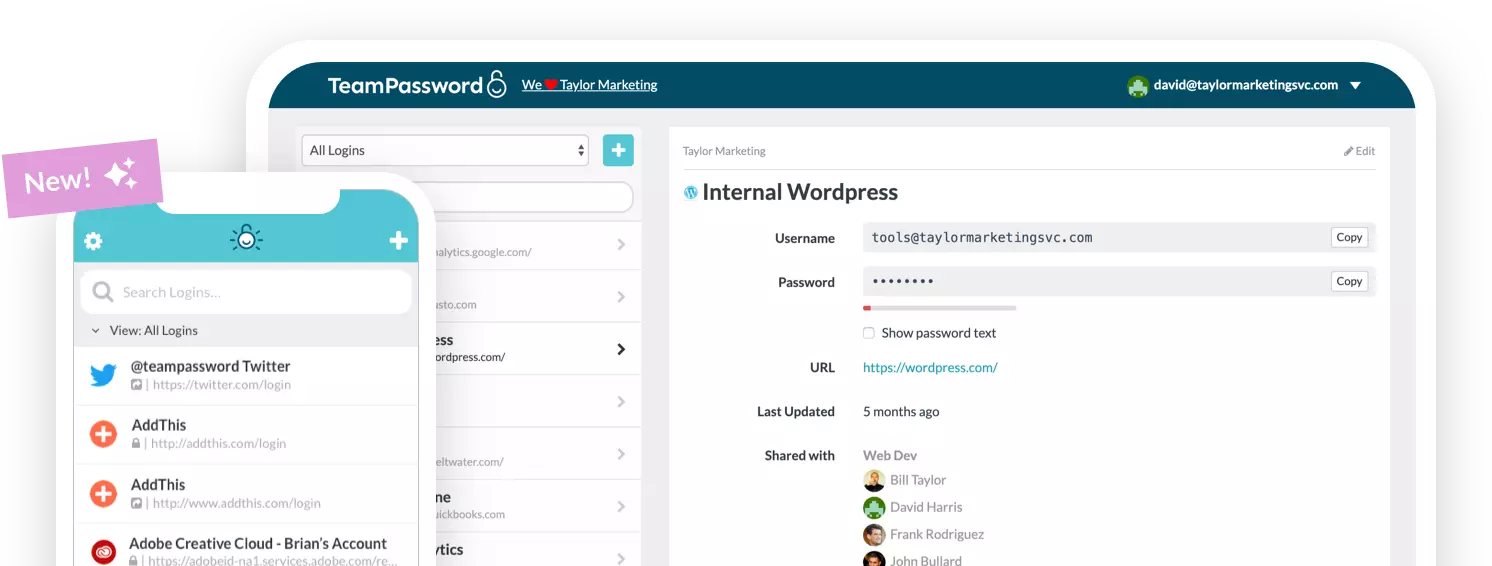
Support for modern authentication. A good vault stores more than passwords. TeamPassword can store [passkeys](https://help.teampassword.com/en/articles/15142481-sign-in-with-passkeys-using-teampassword) and TOTP (two-factor) codes, so teams can keep their second factor and phishing-resistant credentials managed in the same place as their logins. That fits the direction HIPAA is moving toward on MFA.
Ease of use under clinical time pressure. If a tool adds friction, staff will route around it, and you will be back to the workarounds described earlier. Adoption is itself a security feature.
One caveat applies to the whole list: no password manager is "HIPAA compliant" on its own. Compliance depends on how the tool is configured and used within your broader program.
Where the industry is heading (passwordless and MFA)
Authentication is steadily shifting toward phishing-resistant methods and, eventually, passwordless sign-in. CISA describes FIDO-based authentication as the gold standard for phishing resistance, and its guidance on implementing phishing-resistant MFA lays out what that looks like in practice.
For hospitals, expect more passkey and badge-based authentication over time, a trend the proposed HIPAA MFA requirement would reinforce. None of this is certain, but the direction is clear enough to plan around.
A vault still fits in that future, for a concrete reason. Hospitals run many shared service accounts, vendor and remote-access logins, break-glass credentials, and legacy or medical-device systems that cannot all support modern authentication. Those logins still need a secure, governed place to live, and they will outlast several waves of newer technology. Because TeamPassword stores[ passkeys](https://help.teampassword.com/en/articles/15142481-sign-in-with-passkeys-using-teampassword) and TOTP codes alongside passwords, it spans both the old and new worlds rather than being made obsolete by the shift.
Bringing it together
The framework is short enough to keep in your head: understand your clinical environment, know what HIPAA actually expects, be clear about what a vault is and isn't for, and prioritize deprovisioning, audit visibility, secure sharing, and modern-authentication support. Get those right and the feature-by-feature comparisons fall into place on their own.
TeamPassword is built for teams that need to share and manage credentials securely, with the access controls and audit visibility that matter in regulated environments, and it stores passkeys and TOTP codes alongside passwords. It is also clear about its boundary: it secures credentials, it is not a store for patient data, and it does not sign BAAs.
If that fits the problem you're actually trying to solve, see how TeamPassword handles team-based secure sharing and access management.