


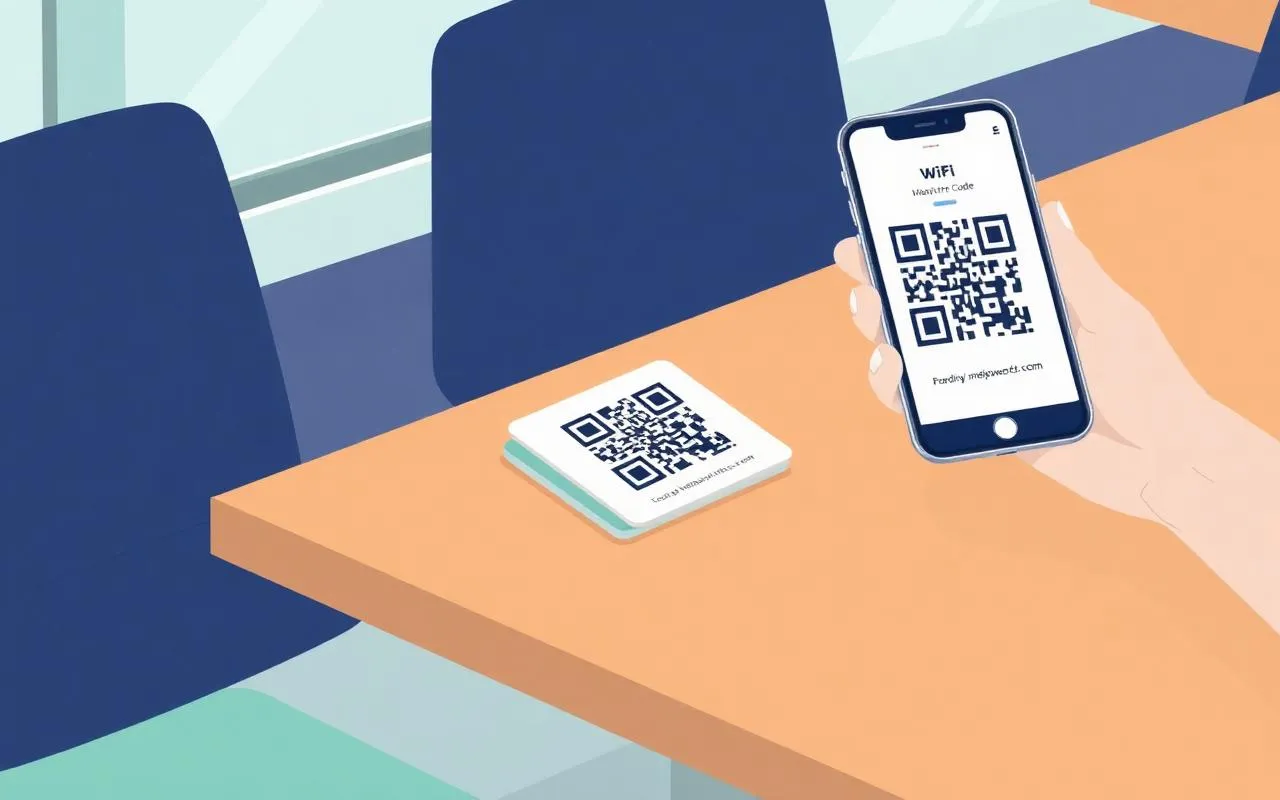
A WiFi QR code is just a short, standardized text string: the SSID, encryption type, and password: encoded as a black-and-white pattern that any modern phone camera can read. Guests join the network by pointing their camera at it; no typing, no shoulder-surfing, no whiteboard.
What's actually in the QR code
WiFi QRs follow a simple format defined by the Wi-Fi Alliance. The scanner parses this string and pre-fills the join dialog.
WIFI:T:WPA;S:Acme-Office;P:Mint-Sparrow-Atlas-7421;H:false;;
T:Encryption type: WPA, WEP, or nopassS:Network name (SSID). Special chars ;,:\" must be backslash-escapedP:The password itself. Omitted when T is nopassH:true if the SSID is hidden (not broadcast)
Security caveats
Good for
- Reception-area guest SSIDs
- Tabletop cards for clients in meeting rooms
- Events, cafés, coworking spaces
Avoid for
- Staff / production networks, share via vault instead
- Posting on a public website, anyone can join
- Online generators that send your password to a third party
Important: the QR code itself is not encrypted. Anyone who photographs it can decode the password, be deliberate about where you display it.
Ready to retire the WiFi sticky note?
TeamPassword stores, rotates, and shares your team's WiFi credentials, encrypted end-to-end.
Get started free