The modern workplace is no longer defined by four walls and a central server. As teams become more distributed, the "perimeter" of your business has shifted from the office router to the individual employee’s device. This shift has made managing security significantly more complex. A single vulnerable connection, a leaked email attachment, or a reused password is all a malicious actor needs to bypass your defenses and do untold damage.
To combat these risks, security-conscious organizations and individuals rely on a layered defense strategy known as the "Cybersecurity Trifecta." This consists of a Virtual Private Network (VPN), Encrypted Email, and a Password Manager. While many people use one or two of these tools, true resilience comes from understanding how they function together as a unified system. In this guide, we will explore the mechanics of these tools and provide a blueprint for using them in tandem to build an impenetrable digital vault.
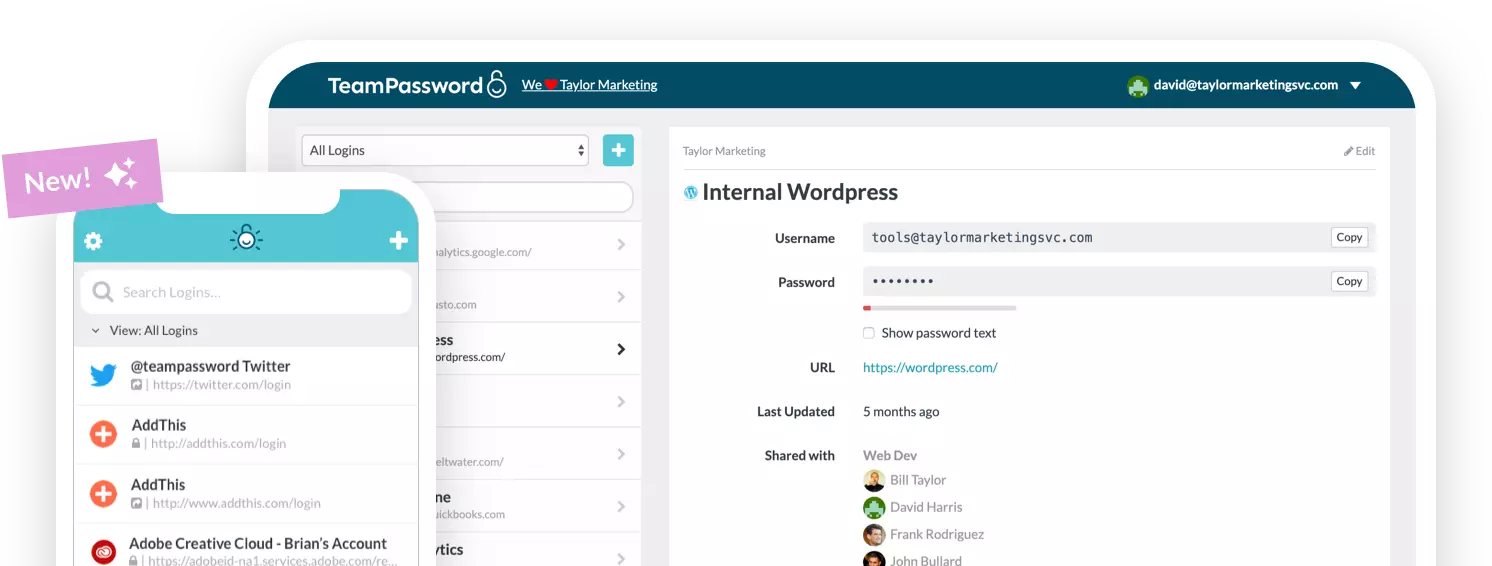
TeamPassword provides the essential identity-protection layer of this trifecta, offering businesses a streamlined, encrypted platform for credential management. Sign up for a free trial to see how your team can collaborate securely without compromising on speed.
The Foundation: Understanding the Role of Each Tool
Before diving into the integration of these services, it is critical to understand the specific "pain point" each tool addresses. Security is about protecting data in different states: data at rest, data in transit, and access to that data.
1. The VPN (Protecting the Pipe)
A Virtual Private Network (VPN) is designed to protect data in transit between your device and the server you are communicating with. It creates a private "tunnel" through the public internet. By masking your IP address and encrypting your traffic, a VPN ensures that your online actions are untraceable to unauthorized third parties.
In practice, if an employee is working from a hotel or a coworking space, they are using a shared network. Without a VPN, anyone on that same network—including the network owner—could potentially "sniff" the data packets leaving that device. A VPN renders this data unreadable.
2. Encrypted Email (Protecting the Message)
Standard email is often compared to a postcard; anyone who handles it along the way can technically read its contents. Encrypted email uses End-to-End Encryption (E2EE) to ensure that only the sender and the recipient can decrypt the message. This protects sensitive attachments, contracts, and internal memos from being intercepted during their journey through various mail servers.
3. The Password Manager (Protecting the Vault)
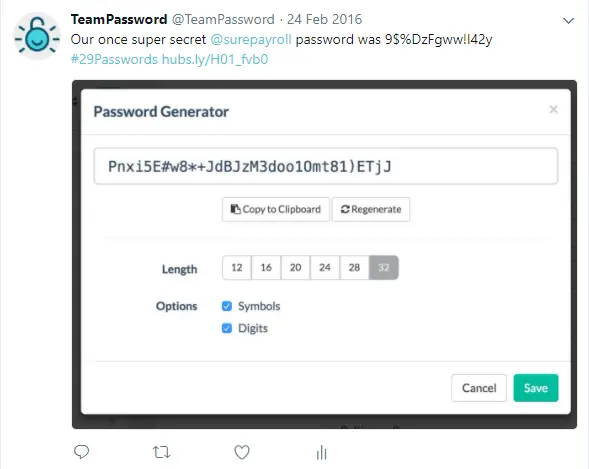
If the VPN is the pipe and the email is the message, the Password Manager is the vault that holds the keys. Over 80% of data breaches are the result of weak or reused passwords. A password manager like TeamPassword generates high-entropy, unique credentials for every account, storing them in a secure environment. This ensures that even if one service is breached, your other accounts remain safe because they don't share the same "key."
How to Use VPNs, Encrypted Email, and Password Managers Together
The most common question for security-minded users is: "If I have a VPN, do I really need a password manager?" The answer is a resounding yes. These tools do not overlap; they complement each other. Here is the workflow for integrating them into a daily routine.
Step 1: Secure the "Master Keys"
Your VPN and your Encrypted Email accounts are your most sensitive assets. If a hacker gains access to your email, they can trigger password resets for almost every other service you use. Therefore, your first step is to use your Password Manager to generate a 30+ character password for your VPN and Email providers. You should never "know" these passwords; they should live exclusively in your encrypted vault.
Step 2: The Secure Onboarding Workflow
When bringing a new team member or contractor into your ecosystem, the Trifecta works like this:
- Identity Verification: Use an encrypted email service to send the initial invitation link to the team's password manager.
- Connection Security: Require the team member to activate their VPN before they log in to the password manager for the first time. This ensures that their "Master Password"—the most important password they will create—is transmitted over an encrypted tunnel.
- Credential Access: Once the user is in the Password Manager, you can share the necessary login credentials for their role without ever sending a password in plain text via email or chat.
Step 3: Multi-Factor Authentication (MFA) Integration
In a coordinated security setup, your password manager acts as the hub for your MFA (Multi-Factor Authentication). By using a tool that includes an integrated TOTP (Time-based One-Time Password) authenticator, you ensure that even if a VPN is bypassed and a password is guessed, the attacker still cannot gain entry without the rotating code stored in your vault.
The Trap of "All-in-One" Bundles
Many modern VPN providers have started offering "bundled" password managers, and antivirus companies are now offering "bundled" VPNs. While the convenience of a single bill is tempting, there are significant security and functional drawbacks to this approach.
The "Best-of-Breed" Philosophy
Cybersecurity is a specialized field. A company that spends its resources building a global network of high-speed servers (VPN) is rarely the same company that excels at building complex sharing architectures and granular permissions for credential management (Password Manager). By choosing independent, "Best-of-Breed" tools, you gain several advantages:
- Avoid Single Points of Failure: If your "all-in-one" provider suffers a breach or a service outage, you lose your connection security and your passwords simultaneously.
- Feature Depth: Dedicated password managers like TeamPassword offer features that bundles lack, such as detailed activity logs, one-time sharing for contractors, and group-based permissions.
- Flexibility: If you need to switch VPN providers because of speed or server locations, you don't have to migrate your entire password database at the same time.
Addressing Common Misconceptions
"Doesn't HTTPS make VPNs obsolete?"
Many people believe that because most websites use HTTPS (indicated by the lock icon in the browser), their data is already encrypted. While HTTPS encrypts the content of your interaction with a specific site, it does not hide the metadata. A hacker or an ISP can still see *which* sites you are visiting and how long you spend there. A VPN hides the destination itself, providing a layer of privacy that HTTPS cannot.
"Is free security good enough?"
When it comes to VPNs and Password Managers, the old adage "if you aren't paying for the product, you are the product" holds true. Many free VPNs have been caught logging user data and selling it to advertisers—the exact opposite of their stated purpose. Similarly, free password managers often lack the encryption standards and recovery options necessary for business use. For a professional environment, a premium, regulated tool is a non-negotiable investment.
The Organizational Impact: Why Your Team Needs All Three
For a business, the Trifecta isn't just about stopping hackers; it’s about maintaining operational continuity and regulatory compliance. Many industries (such as healthcare, finance, and legal) are now legally required to prove that data is encrypted both at rest and in transit.
Implementing a password manager like TeamPassword alongside a VPN allows your organization to:
- Audit Access: See exactly which employee accessed a client’s account and from what general location (verified by the VPN log).
- Revoke Access Instantly: When an employee leaves the company, you can revoke their access to the password manager. Because they were using a VPN and were never given "raw" passwords, they cannot take those credentials with them.
- Prevent "Shadow IT": When you provide your team with high-quality security tools, they are less likely to use insecure workarounds like saving passwords in their personal browsers or sending sensitive info via unencrypted text messages.
Practical Configuration Tips
To ensure these tools don't interfere with productivity, follow these configuration best practices:
1. Whitelist Your Password Manager
Some highly restrictive VPN settings or local firewalls may interfere with the "sync" function of a password manager. Ensure that your password manager’s domain or extension is whitelisted in your security software to ensure passwords update in real-time across the team.
2. Set Up "Kill Switches"
Ensure your VPN is configured with a "Kill Switch." This feature automatically disconnects your device from the internet if the VPN connection drops. This prevents your password manager or email client from accidentally sending data over an unencrypted public connection.
3. Use One-Time Sharing for External Collaboration
Even with a VPN and encrypted email, you should avoid "sending" passwords. If you must share access with an outside vendor, use the one-time share feature in your password manager. This creates a secure, expiring link that allows the recipient to use the credential without permanently owning it.
Conclusion: Building Your Digital Fortress
Cybersecurity is not a product you buy; it is a habit you cultivate. By using a VPN to secure your connection, encrypted email to secure your messages, and TeamPassword to secure your identity, you create a robust ecosystem that can withstand the evolving threats of the digital age.
Passwords are here to stay for the foreseeable future. Even as biometrics and passkeys grow in popularity, the need for a centralized, encrypted "Source of Truth" for access remains constant. Don't wait for a breach to realize the importance of layered security.
Take Control of Your Team's Security Today
TeamPassword is the most effective and affordable way to protect your business's most valuable assets: its credentials. With plans starting at just $2.41 per user per month, you can provide your team with a professional-grade vault that integrates perfectly with your existing VPN and email workflows.
Ready to eliminate the risk of weak passwords?