
The printers, routers, cameras, and badge readers on your office network are networked computers running outdated software, and in 2025 attackers used several of them to steal login credentials and reach into corporate Windows environments. Most security programs focus on passwords, multi-factor authentication, and the accounts people log into every day. Far fewer account for the devices that quietly sit on the same network with administrative access to authentication systems. This post explains how those devices are being used to capture credentials, why they are so hard to secure, and the specific steps that reduce the risk.
Your Office Is Full of Computers You Don't Think About
When most people hear "IoT device," they picture a smart thermostat or a voice assistant. In a business the list is much longer: office printers and multifunction copiers, routers, IP cameras, badge readers, smart lighting, conference room displays, and EV chargers in the parking lot. Each one is a networked computer running software, connected to your internal network, and often managed through a web-based admin panel.
The scale is larger than most teams realize. Businesses typically have three to five times more IoT devices on their network than laptops and desktops, and that number has been growing roughly 20% year over year. These devices are built for long lifecycles of five to ten years, but they rarely receive meaningful security patches after the first year or two, and many ship with default passwords that nobody ever changes.
Security researchers note that manufacturers consistently prioritize reducing setup friction over building in security, and newer IoT vendors in particular are not always learning from past mistakes. The business calculus is simple. A complicated setup process loses customers immediately, while a firmware vulnerability might cost customers later, so security loses.
The result shows up in the numbers: 67% of organizations had a security incident tied to a printer vulnerability in 2024, up from 61% the year before. That figure covers printers alone, not phishing-delivered ransomware or compromised cloud accounts, and printers are only one device category.
The Threat Goes Beyond Botnets
The common mental model of IoT attacks is the botnet: attackers compromise thousands of cheap routers and cameras and use them to knock a website offline. That is real. The Mirai botnet did exactly this in 2016, and variants have continued since. But it frames IoT risk as internet infrastructure's problem rather than your own, and the more immediate threat is quieter and more direct. IoT devices are increasingly used as active credential theft tools.
In early 2025, security researchers at Rapid7 disclosed two vulnerabilities in Xerox VersaLink C7025 printers, a model marketed to small and midsize workgroups printing around 7,000 pages per month. The vulnerabilities, CVE-2024-12510 and CVE-2024-12511, are both patched now, but the attack class they represent is not going away.
The mechanics are worth understanding. Both bugs enable a pass-back attack. An attacker who gets any level of network access, not admin access, can open the printer's web-based admin panel, find the LDAP configuration page, and change the server IP address to point at their own machine instead of your legitimate directory server. The next time someone uses the printer to scan a document to email or authenticate for file sharing, the printer sends those credentials, in plaintext, to the attacker.
Rapid7's principal IoT security researcher put it plainly: it is not uncommon for LDAP settings on multifunction printers to contain Domain Admin credentials. If those get captured, the attacker has potentially unfettered access to everything in your Windows environment, including file servers, email accounts, database systems, and every domain-joined machine.
Xerox is not alone. In June 2025, Rapid7 found critical vulnerabilities affecting over 700 printer models from Brother and other vendors, some of which cannot be patched because the devices are past end-of-life. That covers millions of devices sitting on networks today. None of this requires nation-state sophistication; finding a vulnerable printer takes a browser, a default password check, and a few minutes.
Compromised Office Routers as Espionage Relays
Printers stealing credentials is the close-range threat. There is also a longer-range one involving the router that connects your office to the internet.
In June 2025, researchers at SecurityScorecard published a report on a network they called "LapDogs", a China-nexus operation that had quietly infected more than 1,000 small office and home office (SOHO) devices across the US, Japan, South Korea, Hong Kong, and Taiwan. The infected devices came from familiar brands including Ruckus Wireless, ASUS, Buffalo Technology, Cisco Linksys, D-Link, and Synology.
The targets were not governments or defense contractors. They were IT companies, media firms, real estate offices, and municipal services organizations, the kind of businesses that have routers but probably do not have a dedicated security operations team watching them.
LapDogs was not built to attack these organizations directly. The goal was to use their compromised devices as relay hops for larger espionage operations, disguising malicious traffic as legitimate activity. But SecurityScorecard warned that this is only half the danger. Every infected node is also a potential entry point back into the owner's internal network. If your router is part of such a relay network, the people running it can also see what is on the other side.
This fits a broader pattern. Volt Typhoon, a Chinese state-linked threat actor, was found embedded in US critical infrastructure via SOHO devices for years before being disrupted. LapDogs is a newer operation using the same playbook. Attackers keep targeting SOHO routers not because small businesses are strategic prizes but because their devices are, in the words of the SecurityScorecard researchers, "ill-managed and unpatched" and come "predesigned with lower security standards that are rarely addressed by the owners." Small offices are simply the path of least resistance.
Why IoT Devices Are So Hard to Secure
Four structural reasons make IoT a persistent credential security problem.
First, default credentials are everywhere. Most IoT devices ship with a factory-set admin username and password, often something like admin/admin or admin/password, because it makes setup easier, and users rarely change them. In 2025, researchers found that TP-Link routers with three-year-old vulnerabilities were still being actively exploited by the "Ballista" botnet because the entry point was factory-default credentials. Even when businesses do set a custom password, it is often reused from somewhere else, which turns one compromised device into a key to many.
Second, patching is nearly impossible at scale. A laptop gets automatic OS updates; an IoT device usually does not. Firmware updates for printers, cameras, and routers typically require manual intervention, technical know-how, and sometimes physical access to the device. In practice, most IoT devices on a business network never get patched after initial deployment.
Third, these devices stay on your network for years. The average IoT device lifespan in a business setting is five to ten years, which is a long time for an unpatched device to sit on your internal network with access to authentication systems. The Xerox VersaLink printers affected by the 2025 vulnerabilities were marketed to workgroups printing 7,000 pages a month, the kind of office that replaces a printer every eight years rather than every two.
Fourth, IoT alerts get ignored. The LapDogs backdoor (ShortLeash) generated self-signed TLS certificates to communicate with its operators. Self-signed certificates normally trigger security alerts, but Ruckus routers and similar devices also use self-signed certificates for their own web interfaces, so those alerts were already whitelisted. The warning system was firing and nobody was looking. That is the IoT security problem in miniature: devices generate so much noise that teams build blind spots around them.
Regulation Is Coming, but Not Soon
There is some movement on the regulatory front. The FCC's US Cyber Trust Mark program was designed to work like Energy Star for cybersecurity, a voluntary label telling businesses and consumers that a product meets certain security standards, including guaranteed patch support for a defined period and a ban on default passwords. It is a good idea, and it is currently stalled. The company put in charge of running it, UL Solutions, is under FCC investigation for alleged ties to China. As of mid-2026 there is no timeline for launch and no certainty it launches at all.
In Europe the picture is slightly better. The EU Cyber Resilience Act is moving forward and will require connected products sold in Europe to meet cybersecurity standards. Because manufacturers tend to build one version of a product for global markets, compliant EU products will likely pull US product security upward over the next few years.
That is still years away. Right now nothing forces a manufacturer to guarantee patch support, ban default credentials, or disclose vulnerabilities for the devices already on your network. The burden lands on the buyer.
Five Steps to Take Now
The most effective steps are practical and do not require a dedicated security team.
- Inventory every connected device. You cannot protect what you cannot see. Run a network scan with a tool like Nmap, or check your router's admin panel for a list of connected devices. Flag anything with a web-based interface, since those are the devices someone on your network can reconfigure.
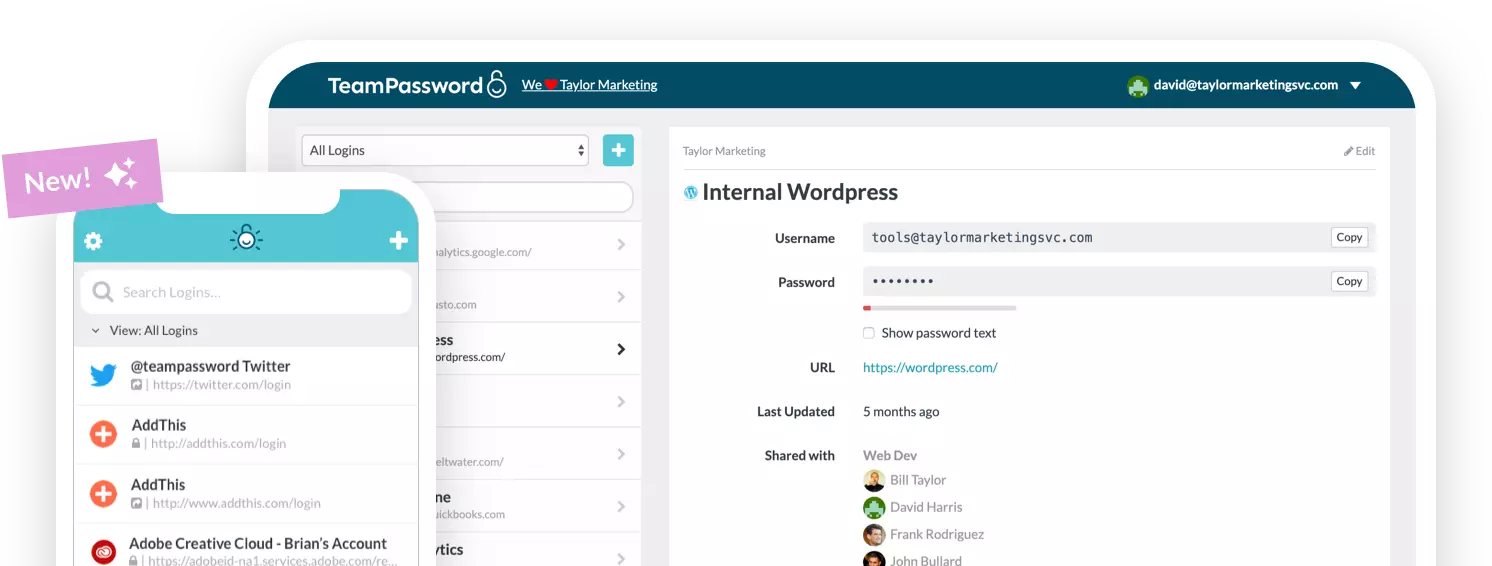
- Change default credentials immediately, and manage them properly. Every IoT device should have its factory password changed before it goes live. That new password needs to live somewhere your team can find it without emailing it around or writing it on a sticky note. This is where a team password manager earns its keep. IoT device credentials are business credentials, and they should be stored, shared, and audited like any other. TeamPassword is built for this, keeping shared credentials organized and accessible without the chaos of spreadsheets or Slack messages.
- Patch what you can and isolate what you can't. Put firmware updates on a quarterly calendar. For end-of-life hardware the vendor has abandoned, move it onto a dedicated IoT network segment (a VLAN) isolated from your main internal network and your Active Directory server. A compromised printer on an isolated segment cannot reach your domain controller.
- Audit LDAP and SMB configurations on your printers and MFPs. This is the specific lesson from the Xerox vulnerability. Check what authentication credentials are stored in each printer's configuration. If printer LDAP or scan-to-file services use a Domain Admin account, switch to a low-privilege account with only the access it needs. That single change would have sharply limited the blast radius of the Xerox vulnerability.
- Set up alerts for unusual outbound traffic from IoT devices. Printers do not need to make outbound connections to random IP addresses, and routers should not be generating unusual authentication traffic. Even basic network monitoring, which many modern routers include, can flag anomalous behavior. LapDogs operated undetected for years partly because the organizations whose devices were compromised were not watching what those devices were doing.
The IoT problem is not going away. Billions more connected devices will reach business networks over the next five years, and the regulatory frameworks meant to make them safer are still years from being enforced. In the meantime the basics matter: know what is on your network, change the default passwords, and manage those credentials somewhere your team can find them and you can audit when something goes wrong.
TeamPassword makes the credential management part straightforward. If your team is still sharing router admin passwords over Slack or storing printer credentials in a spreadsheet, that's a good place to start.