.png)
I, too, wish for a world where all businesses have clearly distinguishable and easily identifiable names. But in lieu of such a miracle, let’s delineate the important characteristics of each of these similarly-named password manager apps.
TLDR: TeamPassword is a modern, intuitive solution focusing on smaller teams, non-profits, and users that are not interested in self-hosting (and the technical upkeep that involves). TeamPassword offers SSO authentication capabilities (Azure, Workspace, Okta) on its Enterprise tier.
Both Teampass and Team Password Manager offer self-host deployment options, making them worth looking into if you have the technical know-how. Teampass additionally offers an enterprise tier with advanced compliance reports, logging, and rotation.
TeamPassword
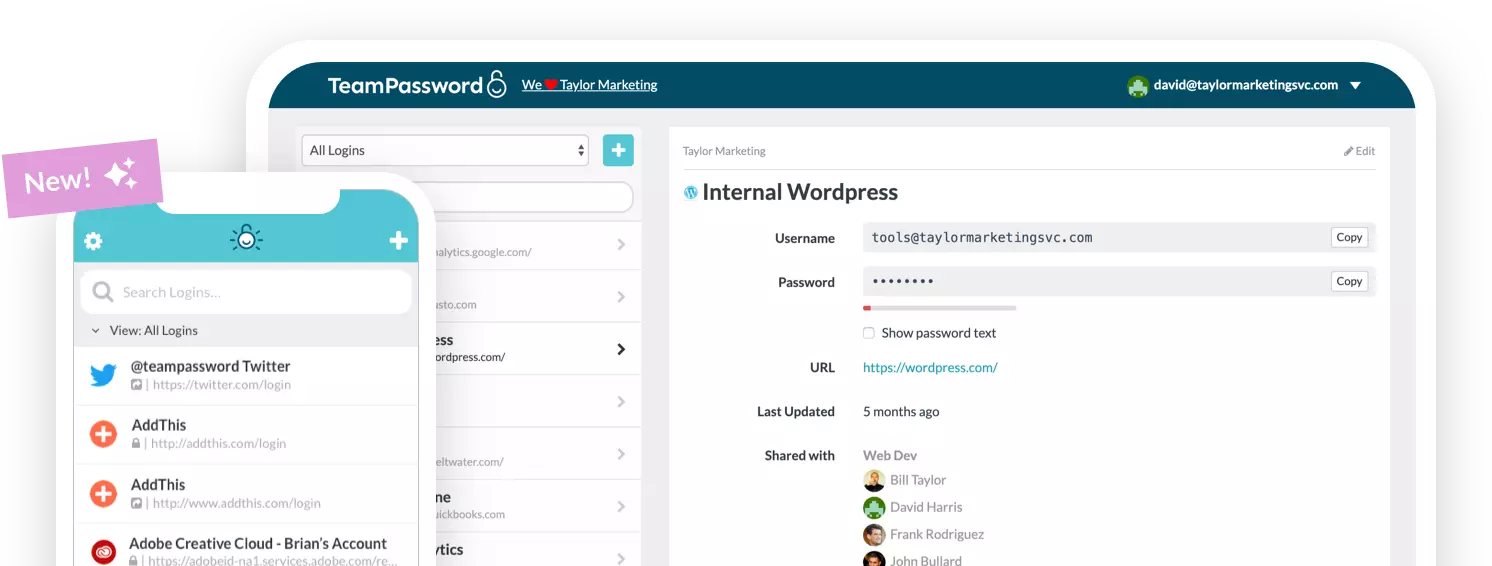
TeamPassword is a modern, intuitive password manager designed for agile teams, businesses, and non-profits. It receives consistent feature updates and is generally praised for its competitive pricing, straightforward design, and responsive support.
Teampassword does not offer a self-hosted option.
Some relevant features of TeamPassword, with links to detailed explanations:
- Integrated TOTP Authenticator: Generate time-based one-time passcodes directly within TeamPassword, eliminating the need for separate authenticator apps on your phone.
- Enforceable 2FA: Mandate two-factor authentication for every user across your organization, ensuring a consistent and high standard of security.
- Detailed Activity Logs: Maintain full visibility with a complete audit trail of who accessed what and when, perfect for security audits and accountability.
- Unlimited Records & Groups (folders): Store an infinite number of logins and organize them into logical groups by team, project, or client for easy access and management.
- Multiple User-Roles: Assign granular permissions to control exactly who can view, edit, and create credentials, ensuring access is granted only where it's needed.
- Passkey support: Save passkeys in the shared vault for services where multiple team members need to sign into the same account (with the same passkey)
- Free Google Sign-In: Simplify onboarding and daily access with secure, one-click login using your team's existing Google accounts.
- One-Time Share: Securely share a single password with an external contractor or partner for a limited time, without giving them permanent access to your records.
- Ask about Enterprise SSO options
TeamPassword offers per-user pricing, found here: https://teampassword.com/pricing
Watch the getting started video: https://www.youtube.com/watch?v=R8kK8bvsSmI
Teampass
If you were worried that sorting out these three password services is too easy, you’ll be happy to know that there are multiple companies called ‘teampass’. For our purposes, however, we can ignore the sports management platform and focus on the self-hosted password manager, Teampass.net.
Teampass offers an individuals/homelab vault that does not require an account and is not hosted on the cloud - it can run locally on your hardware. They have a version for Teams that includes folders, roles and an activity log. Lastly, Teampass offers an enterprise tier that supports SSO, extensive compliance and evidence logs, and other advanced features.
- Self-Hosted & Open Source: A fully self-hosted password manager (deployable via Docker or bare metal) that gives you complete ownership of your data, ensuring your secrets never leave your infrastructure.
- Agentless Linux Password Rotation: Automatically rotates local Linux account passwords over SSH directly from the vault, without requiring any software agents to be installed on the target servers.
- Advanced Authenticated Encryption: Secures data using robust AES-256-GCM encryption with random IVs, per-secret salts, and PBKDF2 at 600,000 iterations, ensuring tampering is immediately detected rather than silently decrypted.
- Built-in Governance & Security Posture: Designed with auditing and compliance in mind, offering access recertification campaigns, immutable audit logs, CSV evidence exports, and a dashboard that continuously scores and flags weak, reused, or breached passwords.
- Enterprise Identity Integration & Automation: Seamlessly integrates with your existing tech stack by supporting LDAP/Active Directory with nested groups, OAuth2 Single Sign-On (SSO), TOTP 2FA, and a REST API with native Bash and PowerShell clients for automation.
Teampass pricing can be found here: https://teampass.net/pricing.html
Team Password Manager
Originally called WebmasterMGR, Team Password Manager offers a self-hosted/on-premise option, and a slew of features one would expected for a password management software aimed at sharing passwords.
Different from nearly all other password managers, pricing is offered for blocks of licenses (5, 10, 20 etc) and gives you perpetual use of the product, but 12 months of update and support.
Some users will find the interface outdated and cluttered.
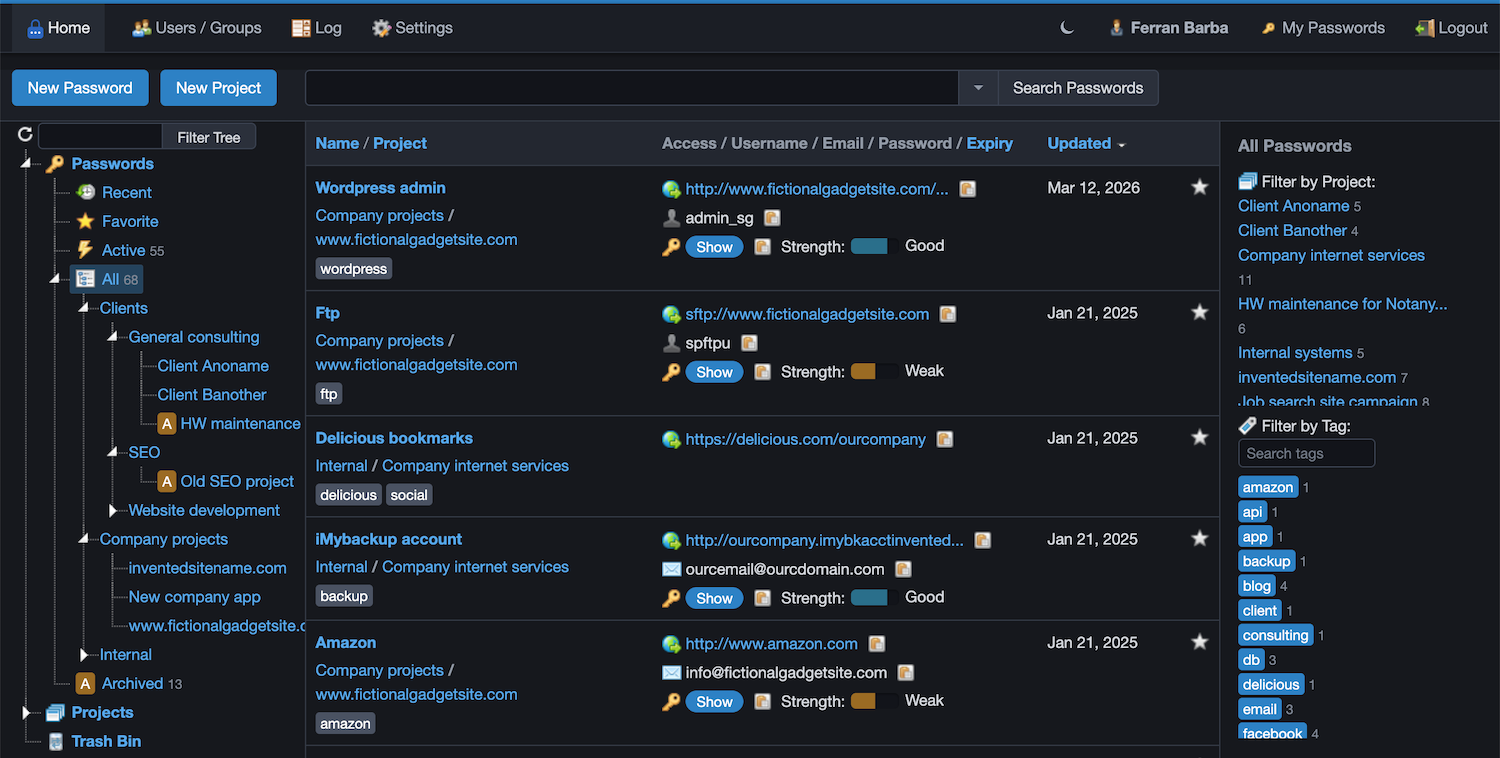
Its main features are:
- Self-Hosted & On-Premises: Installed directly on your own infrastructure using standard PHP/MySQL technology or via a Docker image, giving you complete control over your sensitive data.
- Multi-User Management: Designed specifically for groups and teams, where every user has unique login credentials and granular access can be assigned to view or manage specific passwords.
- Project Organization & Tagging: Efficiently groups passwords into projects, supporting tags, quick searching, and favorites to eliminate scattered notes, spreadsheets, and sticky notes.
- Comprehensive Activity Logging: Automatically records every user action and event within the system into an audit log that can be easily queried and filtered by various criteria.
- Built-in REST API & Browser Extension: Includes a fully documented REST API for seamless automation and integration, alongside a responsive web application and browser extensions for everyday workflows.
If you have any questions, reach out to us and our team will be happy to respond: https://teampassword.com/support